

Links
Scopes
- Account Information 🔒
- Payment Initiation 🔒
Supported ASPSPs
The following institutions are supported as part of Credit Agricole bank:Registration Process
Credit Agricole supports Dynamic Client Registration (DCR).Live environment
Follow the instructions below to connect the required institutions to your Yapily Application. Prerequisites: You must have an accreditation from ACPR or any other European Union banking authority, and you must own an eIDAS certificate delivered by a trusted authority. Steps:- Upload your eiDAS certificates (QWAC and QSEAL) to Yapily’s certificate vault.
- Add
credit_agricole_parisinstitution from the Live tab to your Yapily application. - Select your
QSEALandQWACcertificates from the relevant dropdown lists then click Next. - Click on Register which dynamically registers with the bank and retrieves the response including the
ClientID.
Update signing certificate
- Open your application and navigate to registration.
- Change/update the certificate details as required.
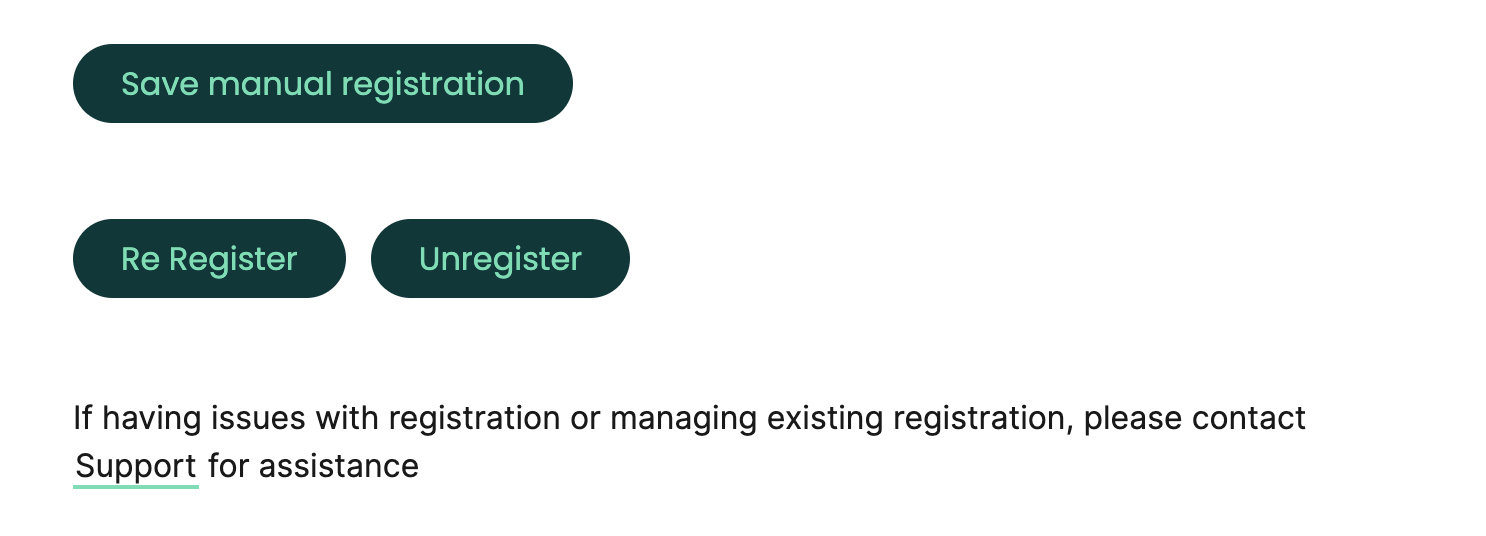
- A re-register button will appear (see screenshot below) - this will allow you to update the certificate details and retain your
ClientID.
Accounts and Payments Supported
Accounts
- Account
- Accounts
- Account Balance
- Account Transactions
- Identity
Payments
- Domestic single payments
- Bulk payments